29
Free Online Image Resizer – Resize Images Instantly Without Losing Quality
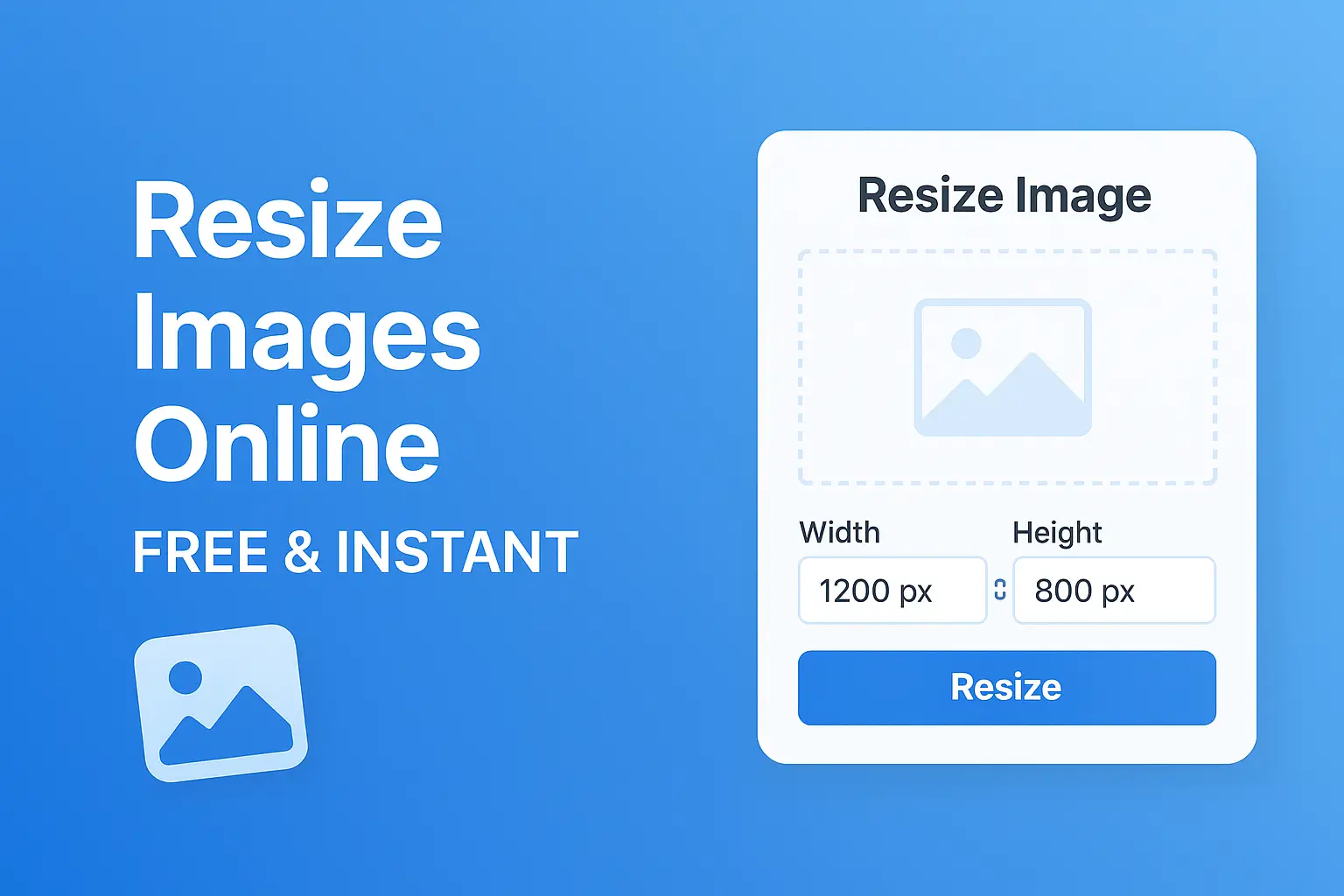
Resize your images instantly and for free using our easy-to-use online image resizer tool. Maintain quality while adjusting dimensions to fit any platform or purpose—perfect for social media, websites, e-commerce, and more.
Resize Images Online Instantly – Free & Easy to Use
Looking for a quick and efficient way to resize images without compromising quality? Our free online image resizer tool makes it incredibly simple to resize photos for any purpose—whether for web, social media, or printing.
No software required. Just upload, adjust the size, and download your perfectly resized image.
Key Features
- ✅ 100% Free – No hidden fees or watermarks
- 📐 Custom Dimensions – Resize by pixels or percentage
- 🖼️ Supports Multiple Formats – JPG, PNG, WebP, and more
- ⚡ Fast & Lightweight – Resize images in seconds
- 🔒 Secure & Private – Your files are never stored
- 🔁 Batch Resizing – Resize multiple images at once (optional)
How to Use the Image Resizer Tool
- Upload Your Image – Drag and drop or click to select
- Enter Desired Dimensions – Width and height in pixels or %
- Choose Output Format – Keep original or convert
- Download – Get your resized image instantly
Why Resize Images?
- Improve website loading speed
- Fit images to design layouts or templates
- Optimize for social media platforms like Instagram, Facebook, Twitter
- Reduce file size for email attachments
- Prepare images for printing
Frequently Asked Questions
Q: Will my image lose quality after resizing?
A: No. Our tool uses high-quality resizing algorithms to retain clarity.
Q: Is there a file size limit?
A: Most standard image sizes are supported. For very large files, try compressing before resizing.
Q: Do I need to create an account?
A: No registration or login required—just upload and go.
Contact
Missing something?
Feel free to request missing tools or give some feedback using our contact form.
Contact Us